
Release Notes – 2026/04/02
Version: 1.0.15
Ever spotted a piece of equipment and wondered, “Is this already in the system?”
Now you don’t have to search through lists or manually check records. Just snap a photo, the app instantly checks the database, and either opens the asset details or prepares a brand-new asset record for you. If it already exists, you’ll see it immediately. If it doesn’t, you’re already halfway through creating it.
One photo. We do the rest.
🛠️ Enhancements
Look Up – View or Add New Asset
The new Look Up feature lets users quickly scan an asset to either view its existing record or create a new one if it doesn’t exist in the system.
How It Works
- Navigate to the “Look Up” screen.
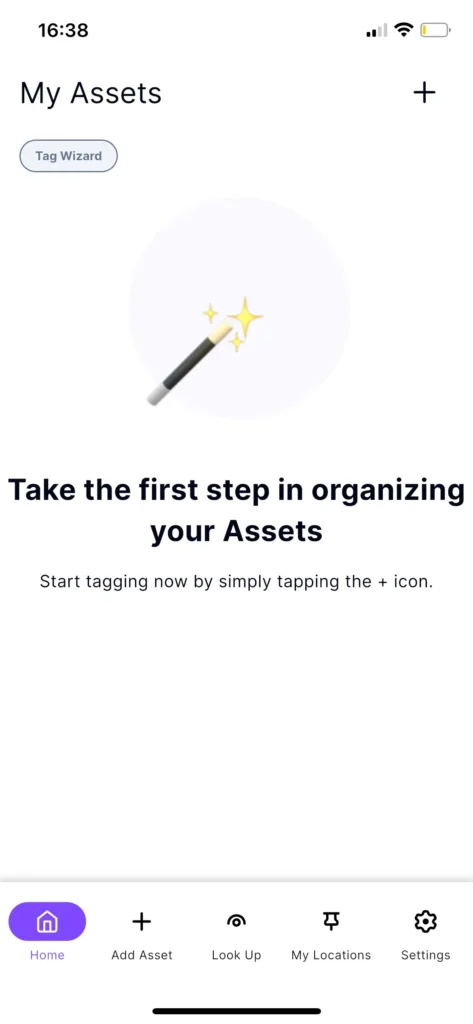
- Take a photo of the equipment.
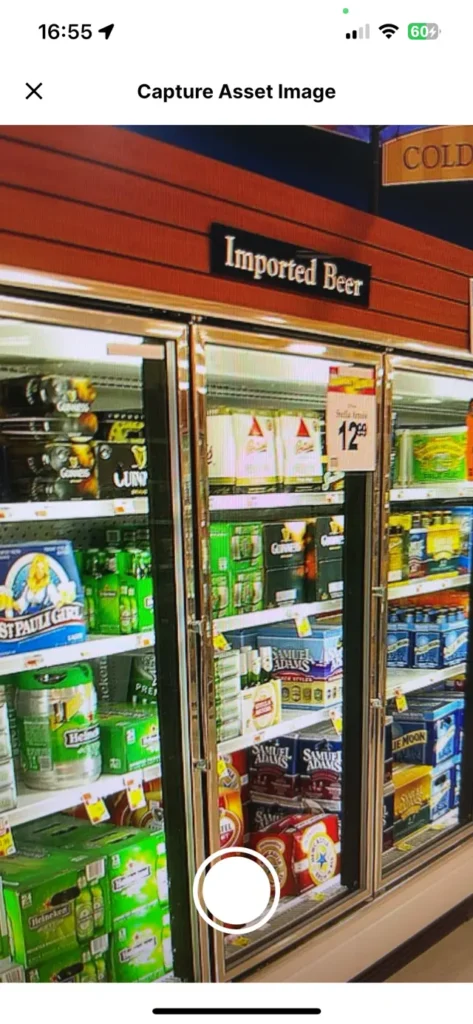
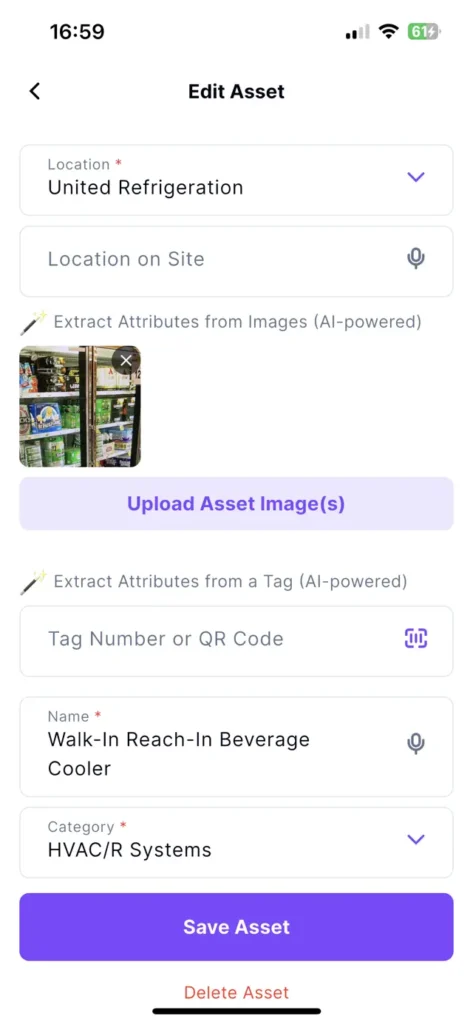
- If the captured asset does not exist.
- The app will trigger the “Add Asset” form with the image and information prepopulated.
- If the scanned asset exists in the database.
- The app will automatically open the “Edit Asset” view.
Why It’s Great
No more manual searching or guessing whether an asset already exists. Simply capture an asset, and the app instantly guides you to the correct action, saving time and making asset management more efficient.
Optional Serial Number
The Serial Number field is now optional when adding or editing assets.
In-App Camera Zoom
Enhanced the camera with a zoom-to-frame feature, allowing you to accurately capture an asset from any distance.
Updated Asset Taxonomy
Updated the asset taxonomy with new categories for Doors / Windows and Kitchen / Cooking, and added specialized Material Handling types.
🐛 Bug Fixes
My Assets Count Mismatch
Fixed inconsistent asset counts, improved infinite scroll to load all assets correctly, and introduced a new asset total indicator for better visibility.
No More Duplicate Locations
Creating locations manually sometimes resulted in duplicates. Now, the system detects duplicate locations during manual creation using Location Name and Address.
Missing Location in Filter
The location filter on the My Assets screen now correctly displays all available locations.
Barcode Not Read
Fixed barcode scanning so the app properly detects and reads supported barcodes.
Refrigerant Search Matching
Improved search to support partial matching and ignore prefixes (e.g., searching “134” returns R-134a).
Asset Upload Stuck
Resolved an issue where the Uploading button remained in a loading loop and prevented asset creation.
Serial Number OCR
Fixed an issue where readable serial numbers from images were not automatically populated.
AI Tag Capture
Resolved an issue where AI tags were not being captured during asset analysis.