
1.0.18 – Release Notes – 2026/05/11
🚀 What’s New
We’ve been busy making your workflow smoother and your data smarter. From automatic photo backups that protect your hard work to AI-powered field detection and faster search, this update is all about saving you time.
Check out the latest improvements designed to keep you moving fast in the field!
One Photo. Tag Wizard does the rest. ✨
🛠️ Enhancements
New Taxonomy Categories and Types
Automatically save every captured asset image to your device gallery for offline backup and easier upload later.
How It Works
- Tap “Add Asset”
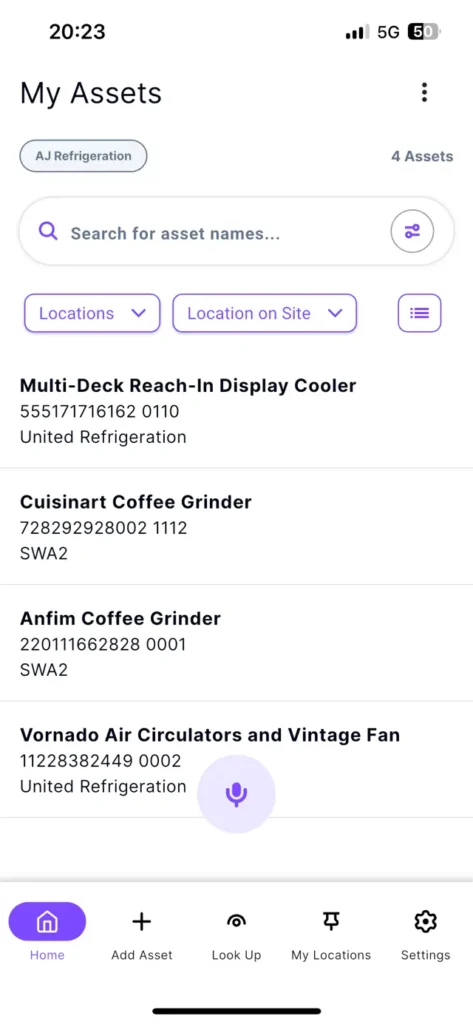
- Take a photo of the equipment you would like to capture.
- Tap “Upload Assets Image(s)” buttonTap “Upload Asset Image(s)”
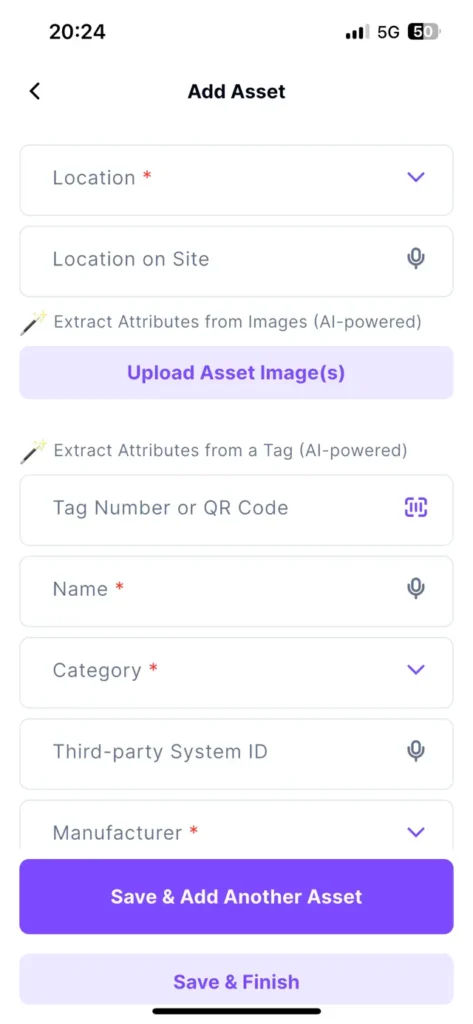
- Tap “Take Photo” and capture the asset
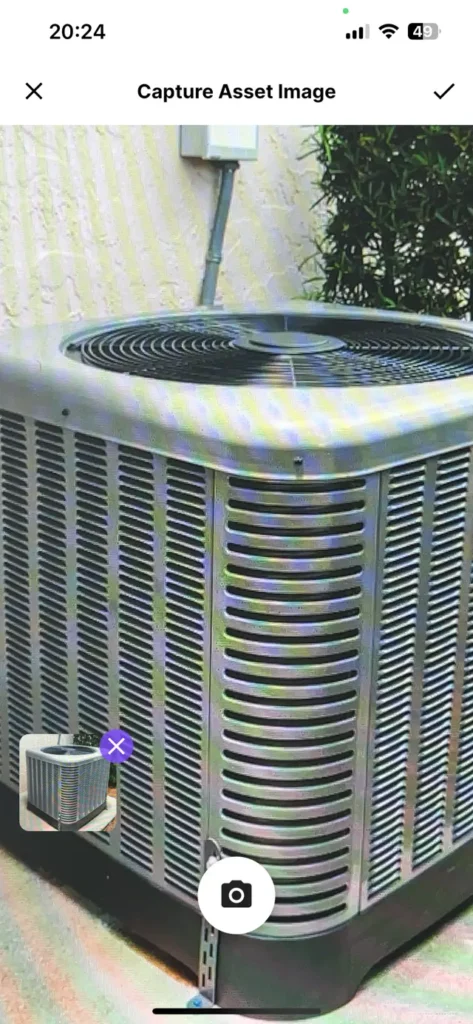
- The app will ask you whether you would like to automatically save the assets’ images to your device.
- Tap “Allow”.
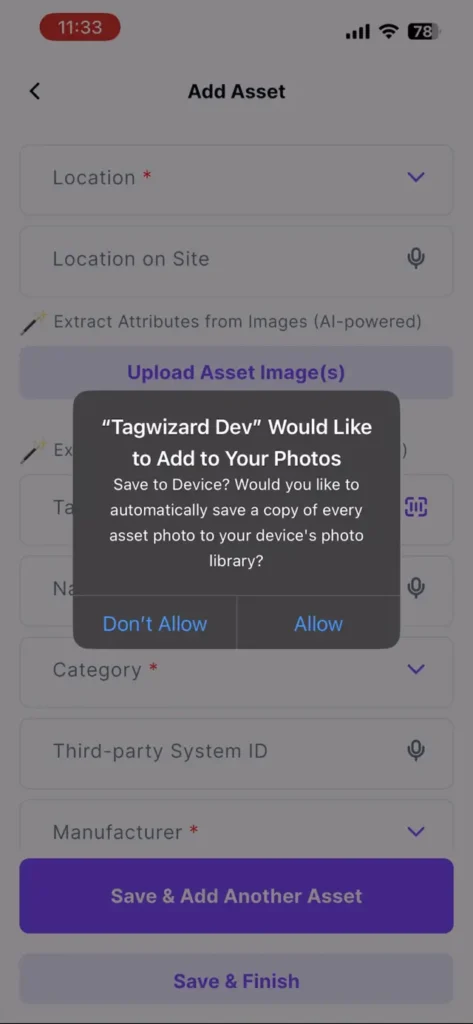
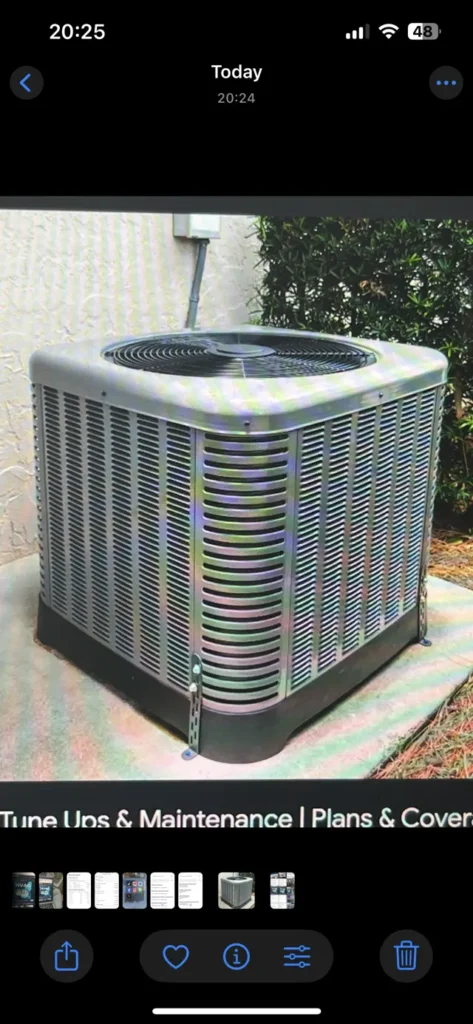
- Open your photo gallery: your captured images are now automatically stored in your local gallery.
- To opt out of saving asset images locally, adjust your device settings.
Why it’s great
It keeps a personal backup of your field work and gives you access to captured images on your device.
Zoom Control
In the field, you don’t always have room to step back to capture large assets. Zoom control lets you easily zoom out or in to frame the asset properly, even in tight spaces.
Smart Sorting: Assets and Locations
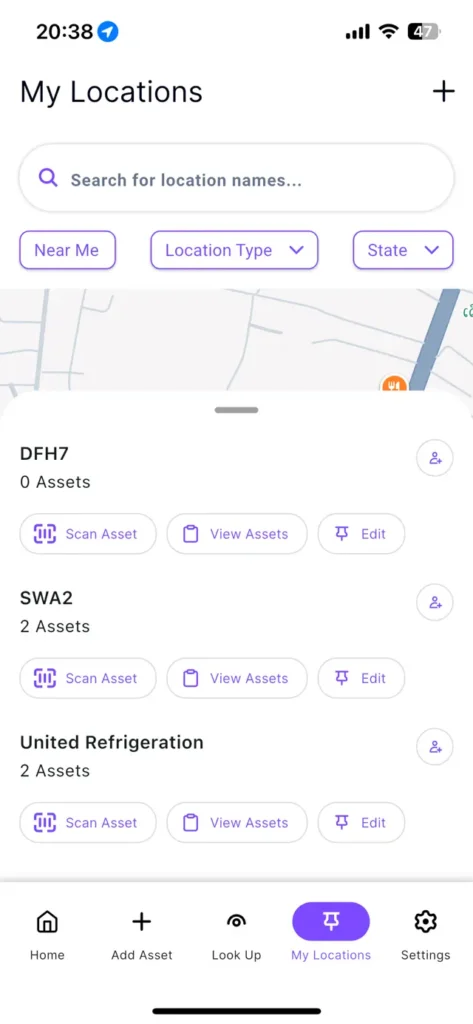
Pick how you want to sort your assets: by name or date. Locations are now displayed in alphabetical order.
How It Works
- Navigate to “My Assets” screen.
- Location lists are now automatically sorted A–Z by default.
Why it’s great
Easily find your locations with improved sorting and enjoy a more intuitive way to organize and find your assets.
Asset Capture Feedback
To ensure we continue hearing from you, feedback prompts now reset after app updates and show once every 10 captures. This helps us gather your insights without getting in the way of your work.
New Kitchen Asset Type: Meat Grinder
You asked, we delivered: A new ‘Meat Grinder’ asset type is now available under ‘Kitchen / Cooking.’
🐛 Bug Fixes
Better Large Asset Export
The app stays fast and responsive when running exports of a large assets list.
- Navigate to the “My Assets” screen.
- Tap the “More” icon at the top right of the screen; then tap “Export Asset List”.
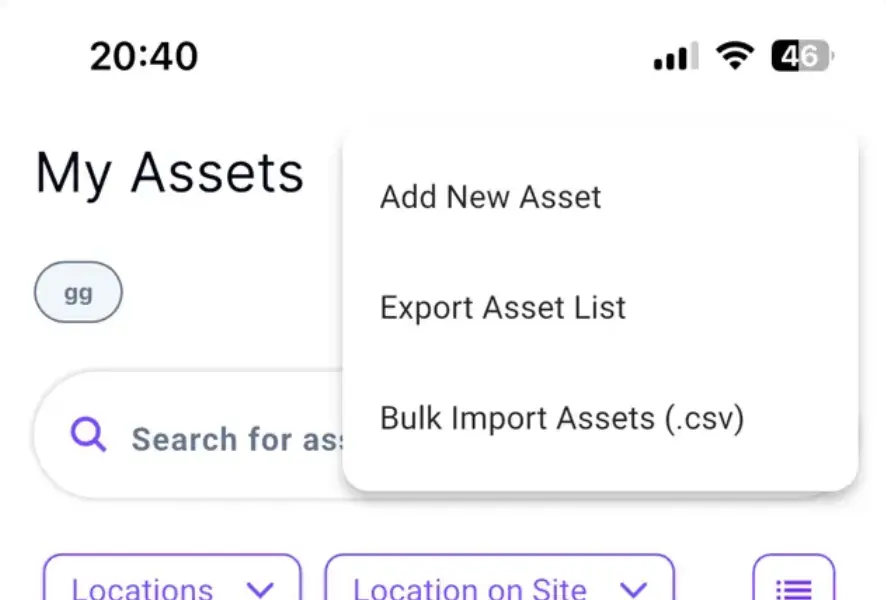
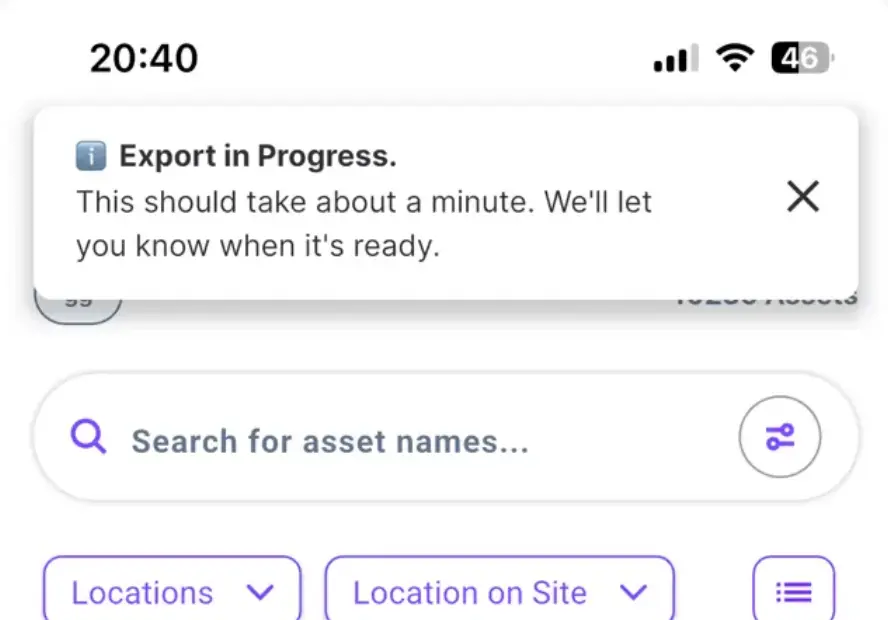
- A progress message will appear while the export runs in the background.
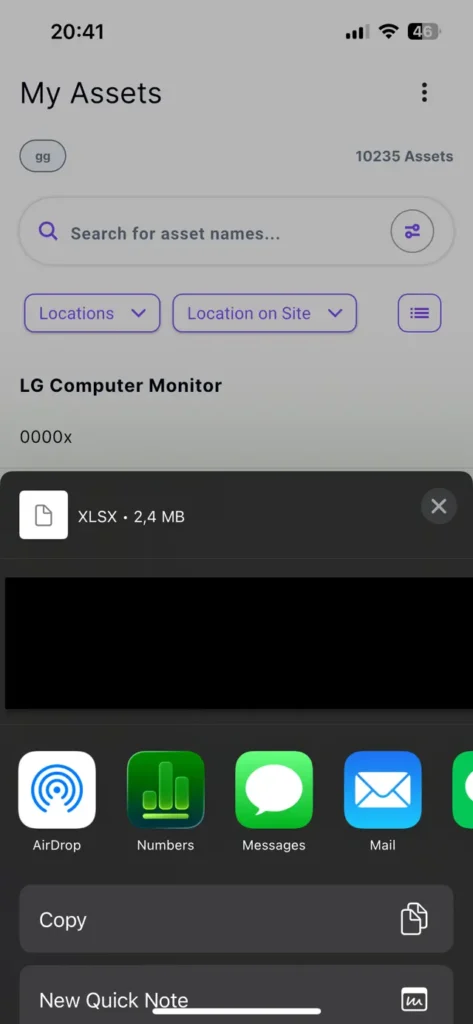
- Once the export is complete, the app prompts you to share or save the file to your device.
Better Voice Search Results
Fixed an issue where Voice Search returned no results even when the transcription was correct.
Large Export Stability Improvements
Bulk asset exports no longer cause server slowdowns or prevent other users from logging in.
Refrigerant Fields Now Prepopulate
Our powerful AI now automatically fills in the Refrigerant Class and Type after it detects an HVAC/R unit.
Better Serial Number Searching
Finding your assets is now easier. You can search by name, serial number, or tag, even if you only have the first few digits or forget a space.
Real-time Asset Updates on My Locations Screen
Newly added assets now appear automatically in your “My Locations” list, so you’re always up to date.
Cleaner Manufacturer Lists
Our AI is now smarter at matching names, keeping your manufacturer list clean and organized.
Cleaner Location Lists
We’ve tidied up your “Location on Site” lists by removing accidental duplicates caused by extra spaces.