
1.0.21 – Release Notes – 2026/06/24
Powerful AI. Honest guardrails.
We do the heavy lifting, but you get the final word.
Tag Wizard is transparent about what it knows, and flags what it isn’t sure about. An honest flag beats a confident mistake every time.
🛠️ Enhancements
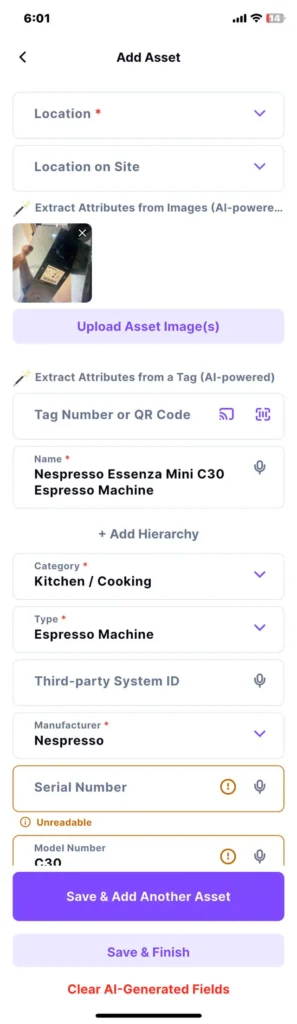
Smart Blur Detection & Partial Processing
Our AI better detects blurry images and unreadable sections, reports them appropriately, and continues processing any clear information available.
How It Works
- Tap “Add Asset”.
- Tap “Upload Asset Image(s)”.
- Tap on the “Take Photo” icon.
- Take a blurry image.
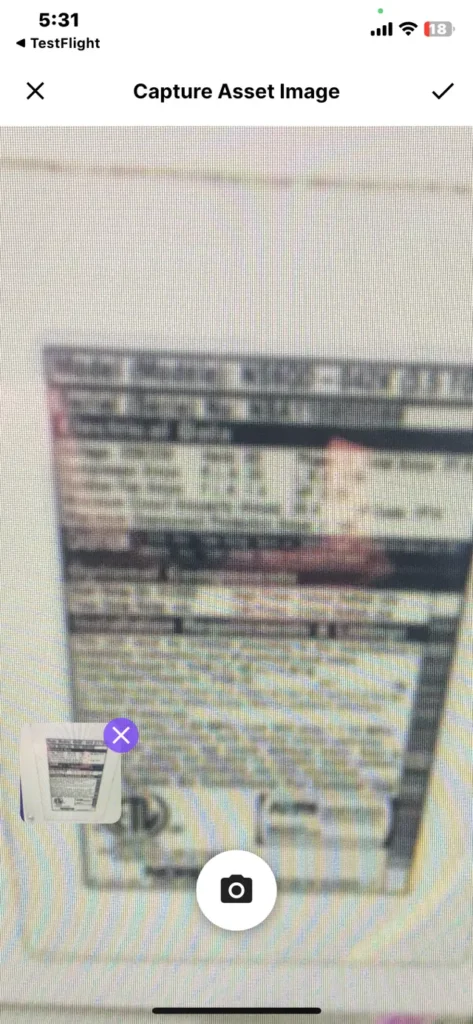
- Observe the warning message.
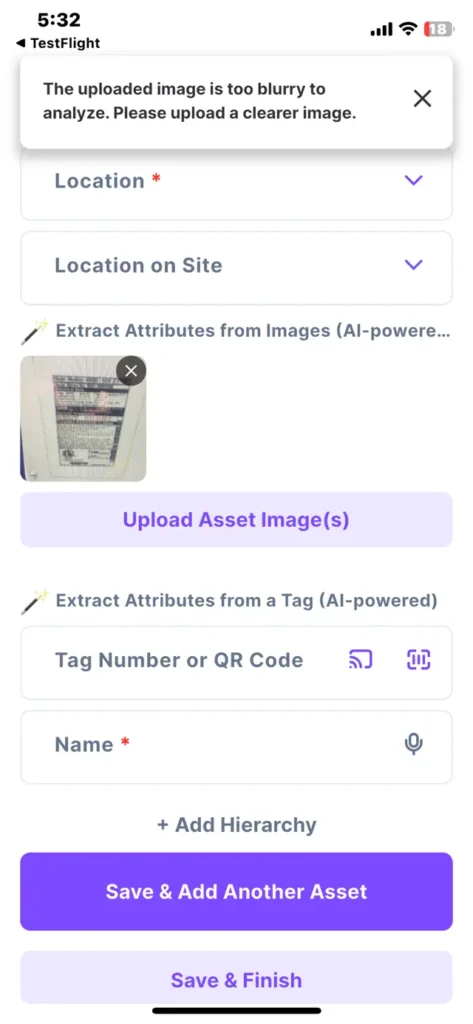
- Take an image that is only partially blurred.
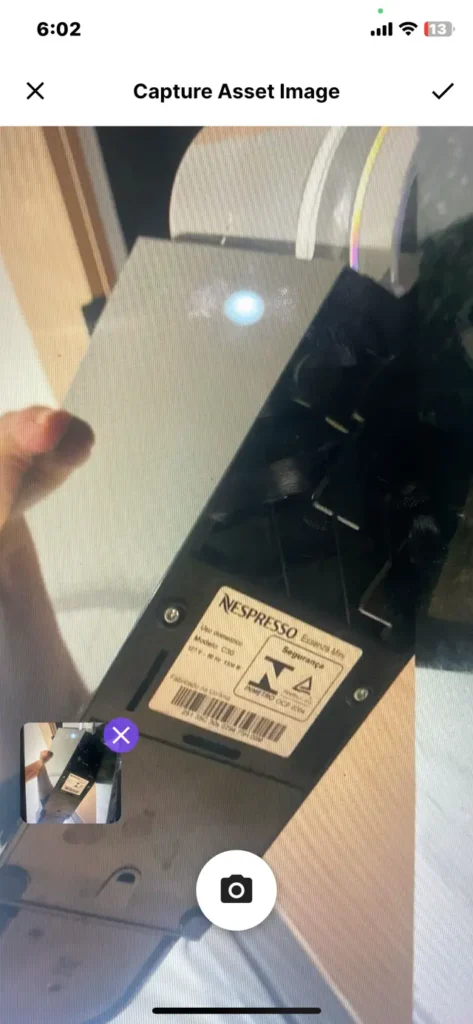
- The AI continues scanning and extracting data from the clear sections while flagging the blurry areas as “Unreadable.”
Why it’s Great
It prevents incorrect asset details from being generated due to poor image quality, ensuring your data remains clean and reliable.
Hierarchical Location On-Site Filtering
On the “My Assets” Screen, the “Location On-Site” filter now follows the “Location” hierarchy.
Why it’s great
Selecting a top-level location automatically narrows the available options down to only the specific sub-locations nested underneath it, ensuring a faster and more accurate search.
Location On-Site Dropdown Selection
The “Location On-Site” field on the “Add Asset” and “Edit Asset” screens now features a user-generated dropdown list. To prevent duplicates, new entries are automatically cleaned up to remove extra spaces and ignore capitalization differences.
Why it’s Great
Once a new “Location On-Site” is created, it is saved and instantly becomes available for selection in the future, eliminating repetitive typing and standardizing your entries.
🐛 Bug Fixes
Duplicate Serial and Tag Numbers Prevented
Serial Number and Tag Number validation now ignores leading and trailing spaces, preventing accidental duplicate records.
Subscription Modal Returns Correctly
Closing the subscription flow now returns users to the previous screen instead of displaying a blank page.
Invitation Links Complete Successfully
Users can now join organizations through invitation links without encountering misleading organization creation errors.