Version: 1.0.24
Smarter AI, smoother workflows, and faster ways to manage your assets.
From equipment condition ratings and clickable notes to improved asset recognition, this release makes Tag Wizard more powerful and easier to use.
✨ New
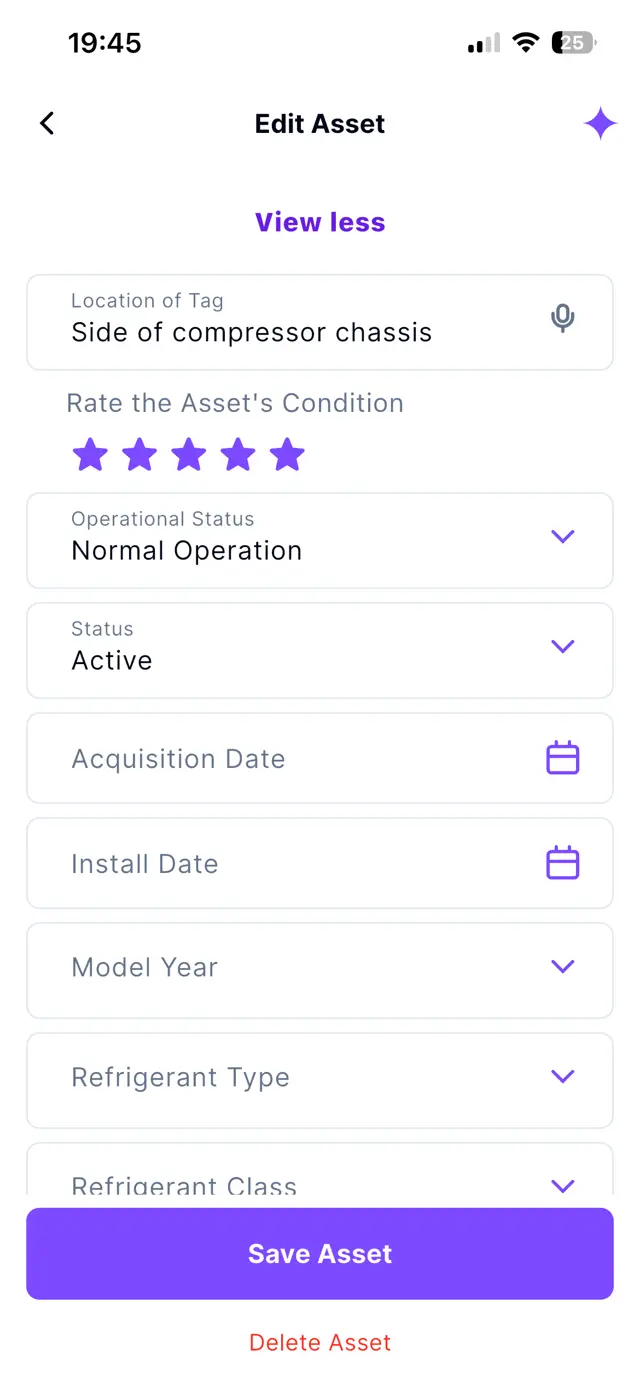
Rate the Condition of Your Equipment
Track the health of every asset with a simple five-star condition rating.
How It Works
-
Tap on an asset.
-
Scroll down and tap the “View more” button.
-
Tap on the star icon to select a rating from one to five stars.
-
Update the rating anytime as the asset’s condition changes.
Why it’s Great
Monitor equipment health at a glance and identify assets that may need attention.
🛠️ Enhancements
Add Clickable Links to your Notes
Your asset note links are now instantly actionable — open, copy, or share them with a single tap.
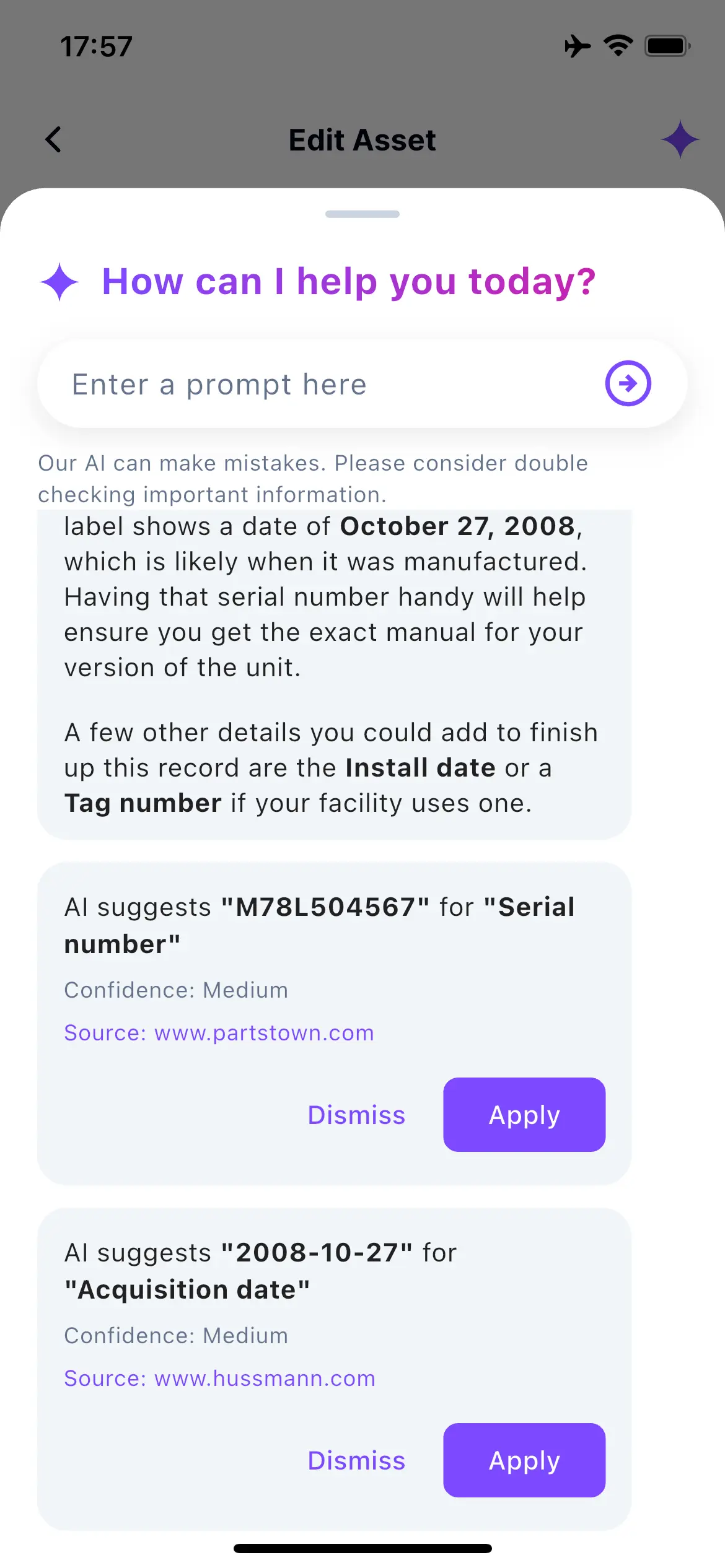
Cleaner AI Suggestions
We’ve refreshed the AI suggestion interface with a cleaner, more readable design that keeps recommendations easy to review and apply.
🐛 Bug Fixes
Smarter Asset Look Up
We’ve improved AI asset recognition to better identify existing equipment from the tag number and different photo angles and reduce duplicate asset creation.