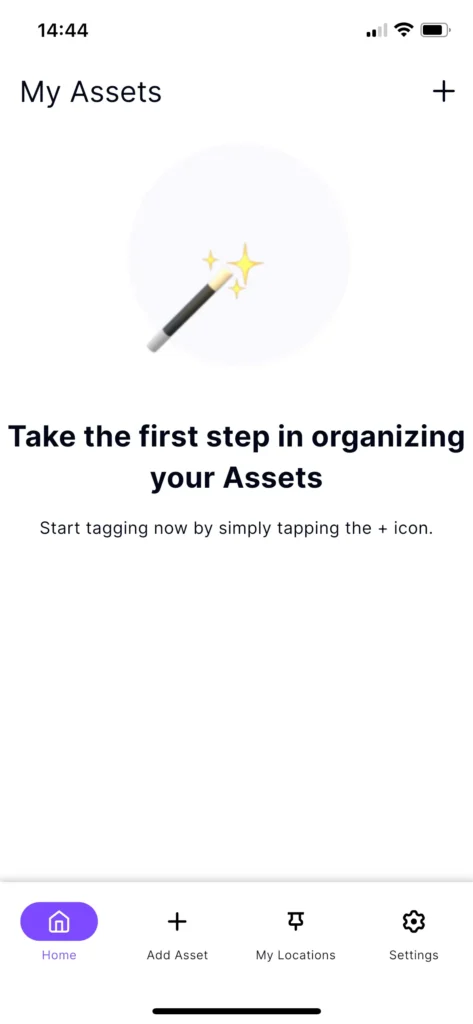
Main Navigation Tabs
The bottom menu allows you to navigate through the four primary areas of the app:
- Home
This is your “My Assets” screen. It serves as the central hub where you can see an overview of your asset. - Add Asset
Represented by a + icon, this is the primary action button used to start tagging and adding new assets to your locations. - My Locations
Tap this tab to manage or view the specific physical locations where your assets are. - Settings
Access your account preferences and details, and app configurations here.