

1.0.10 – Release Notes – 2026/02/04
Door’s Open! Come on in. 🚪
Onboarding used to feel like a game of “Mother May I?” Now, it’s more like “Y’all come over.”
We’ve officially launched Invitation Links. It’s exactly what it sounds like: a magical URL that teleports your teammates directly into your organization, whether they have the app downloaded or not.
You can hit it during registration or jump in from the Settings; the front door is now wide open. No more manual invites, just one link and you’re rolling.
🛠️ Enhancements
One Link to Onboard Everyone
Expand your organization with a single click! Send one link to teammates or Taggers and let our seamless deeplink tech do the heavy lifting, whether they have the app installed or not.
How It Works
I. Inviter invites Team Members or Taggers
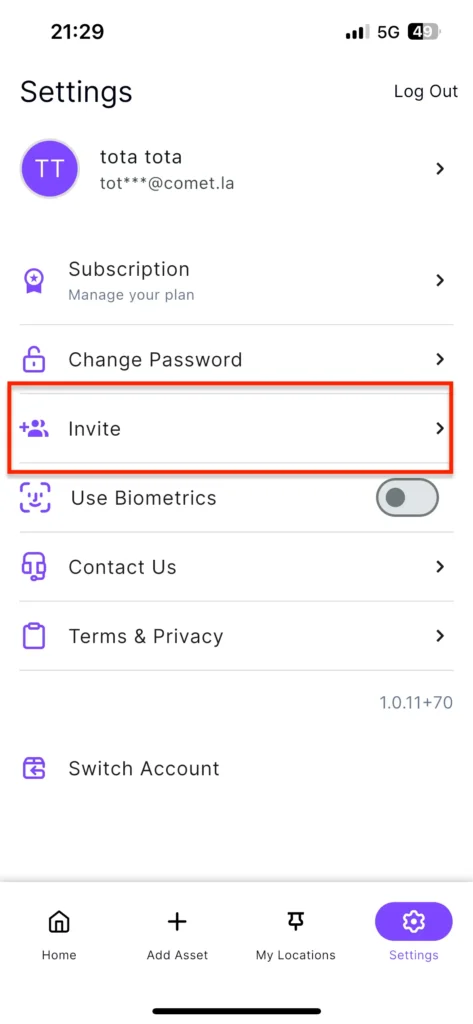
- Navigate to Settings.
- Tap on Invite.
- Use the dropdown below to assign View or Edit permissions before sending your organization invites.
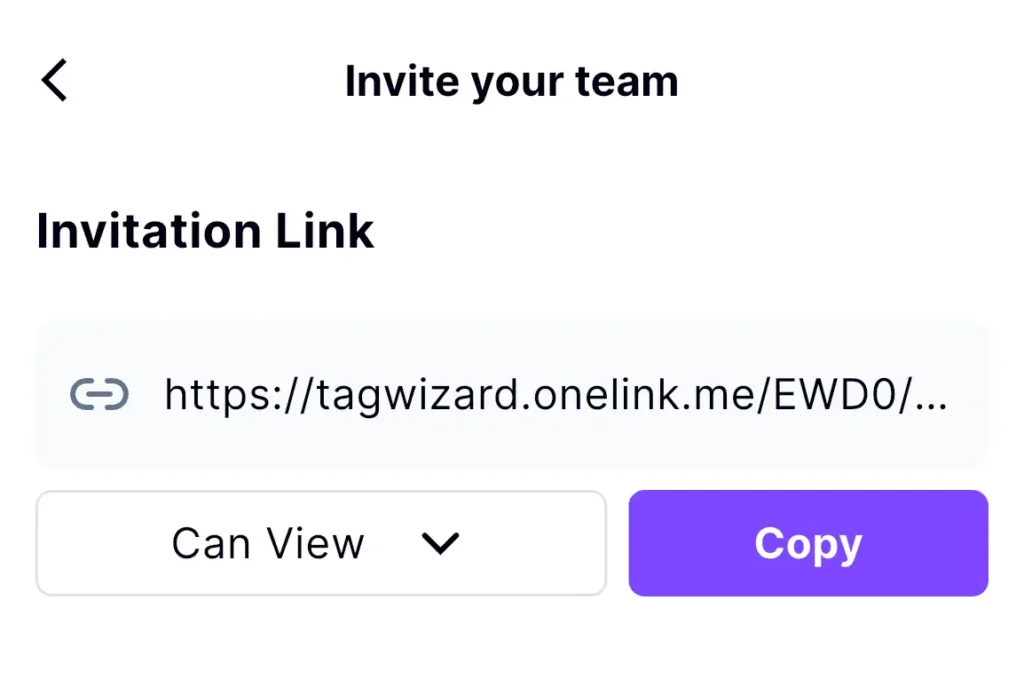
- Tap Copy to copy the invitation link and share it with others to join your organization.
II – Invitee accepts the Invite
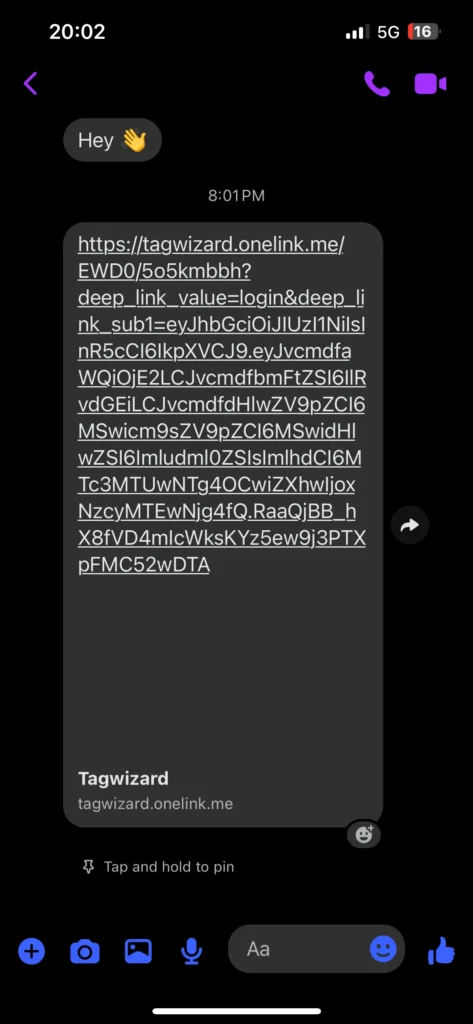
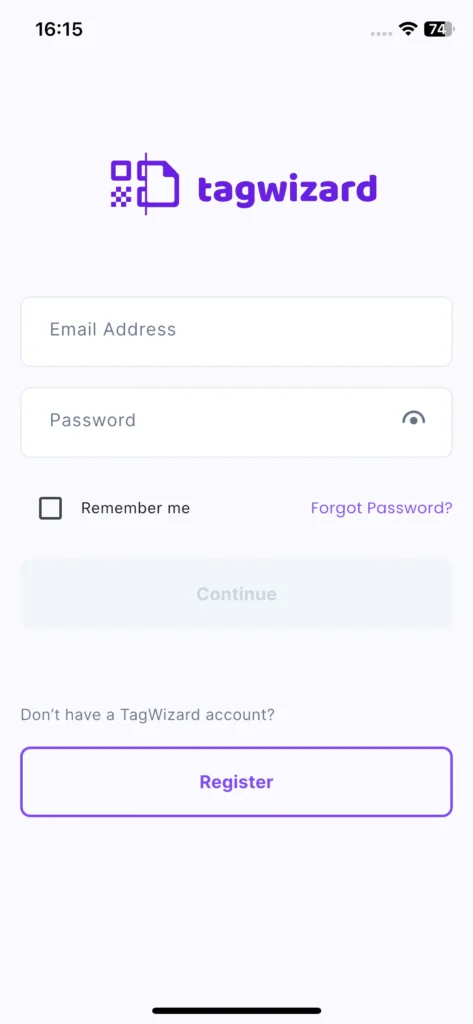
- When the invited user taps the link, they will be redirected to the app to register.
- Tap the link.
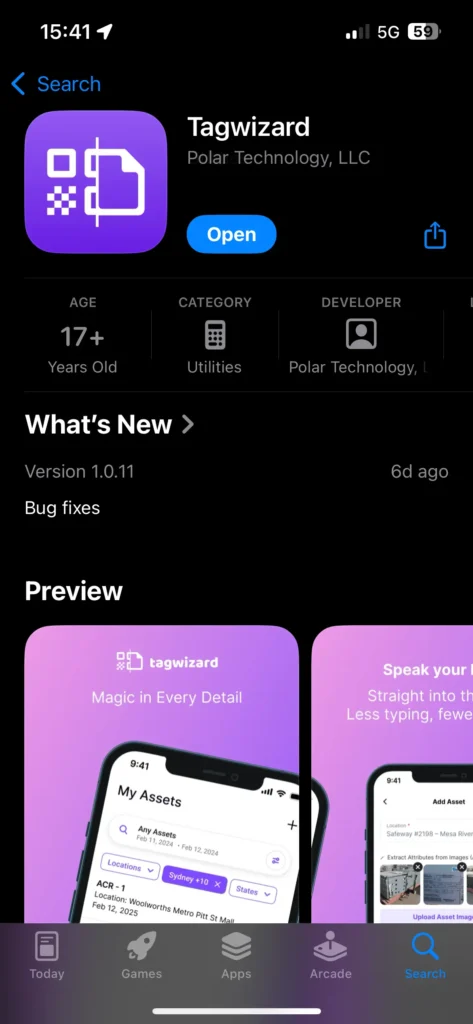
- Download or open the app.
- Log in with your email address and password or
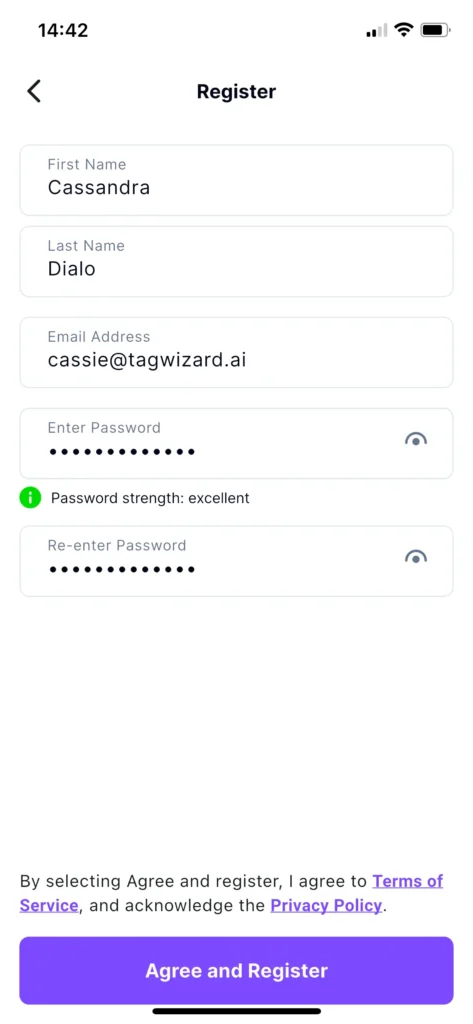
- Register your account:
- Enter your email address, full name, and password, then tap the ‘Agree and Register’ button.
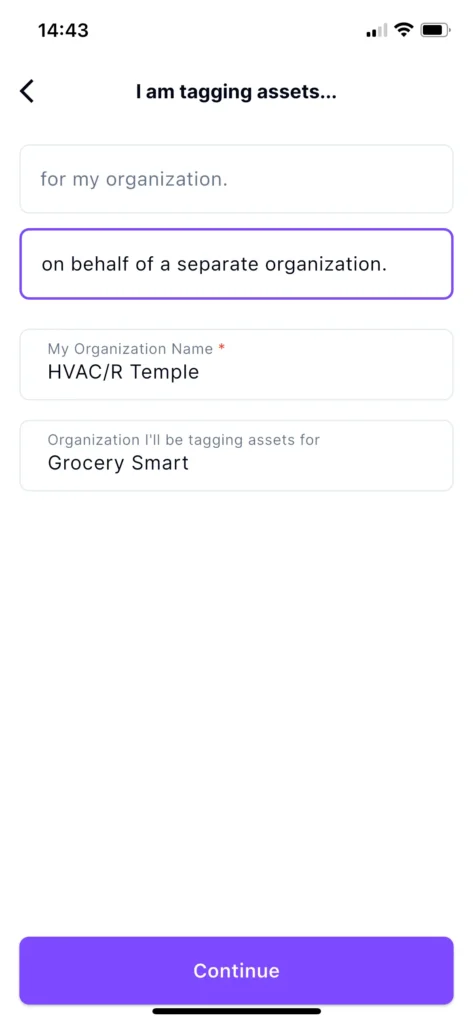
- After registering, the app redirects to the “I am tagging assets…” screen.
- Create your own organization by adding your organization name
- You are automatically assigned to the inviting Owner organization.
- The ‘organization you’ll be tagging assets for’ field is prepopulated and cannot be edited.
- Registration is followed by an optional “Invite your team” link that you can skip.
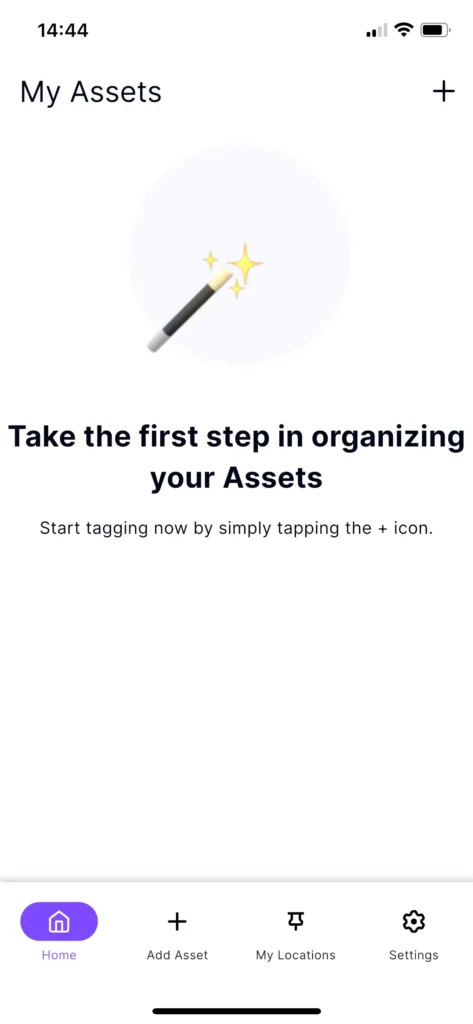
- Land on the “My Assets” Screen of that organization
- Start tagging for this organization!
Why it’s great
- For Inviters: Seamlessly manage your team and external taggers, with a single link.
- For Invitees: Join organizations and start contributing instantly.